All apps Neramo

Neramo
In development · Android
Reminders tell you when. Neramo tells you when to start.
Tell Neramo when you need to arrive. It works back through your travel time and getting-ready routine, calls you with a full-screen alert at the right moment, then pauses the apps that keep you scrolling until you are out the door.
- No account needed
- Data stays on your phone
- Free backup
How it works
From “five minutes away” to on time.
- 1
Plan the arrival
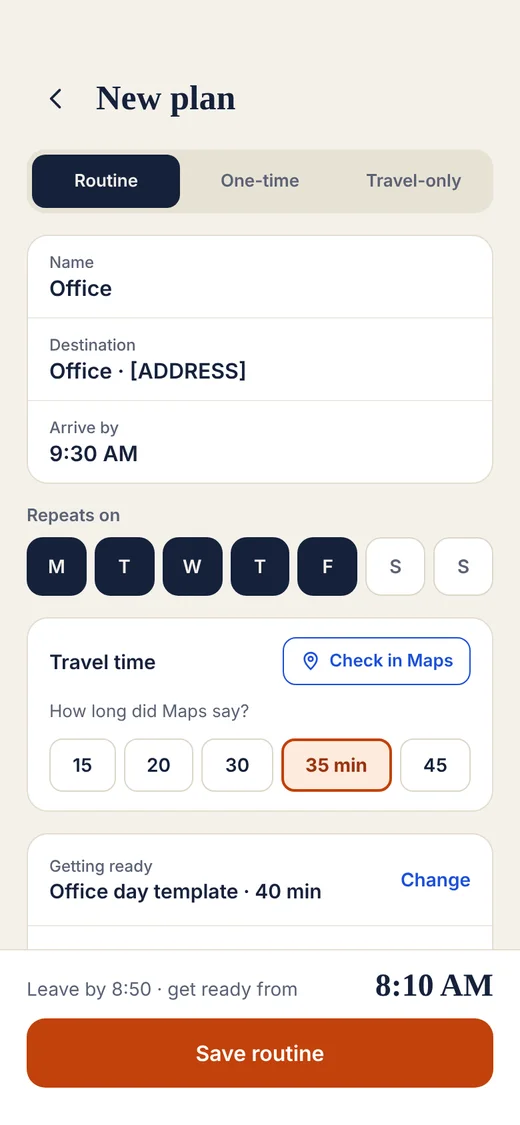
Set where and when. Check the travel time in Google Maps and pick it once.
- 2
Start on time
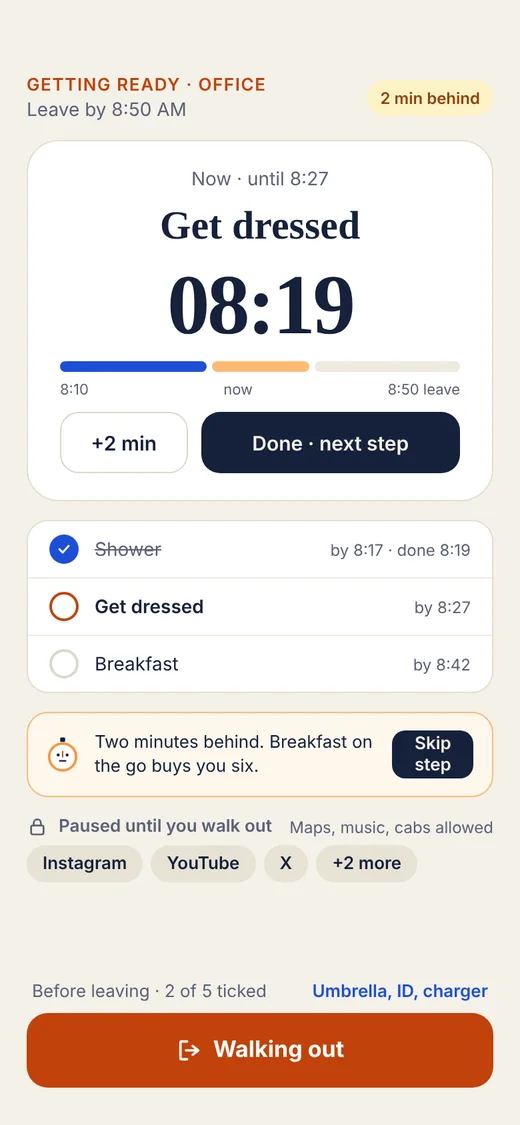
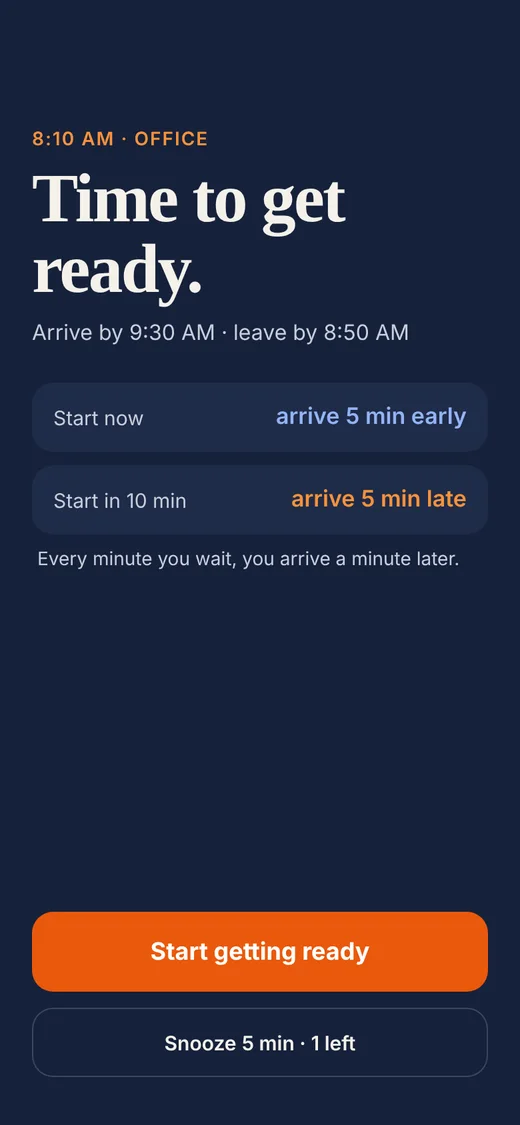
A full-screen alert tells you to start, then walks you through your routine with a time for each step.
- 3
Leave without the scroll
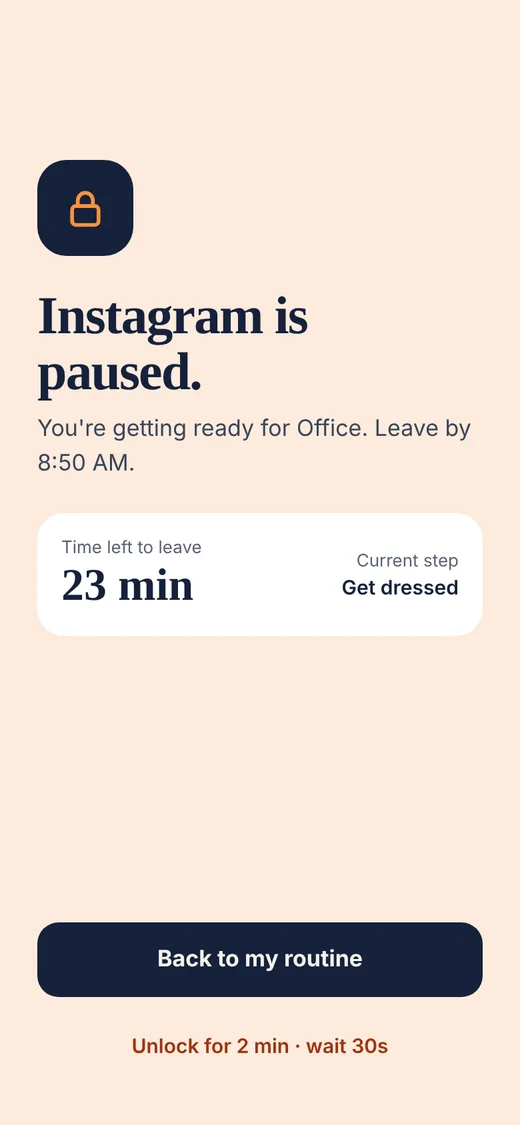
The apps you choose stay paused until you tap Walking out. Maps, music and cabs stay open.
It plans backwards
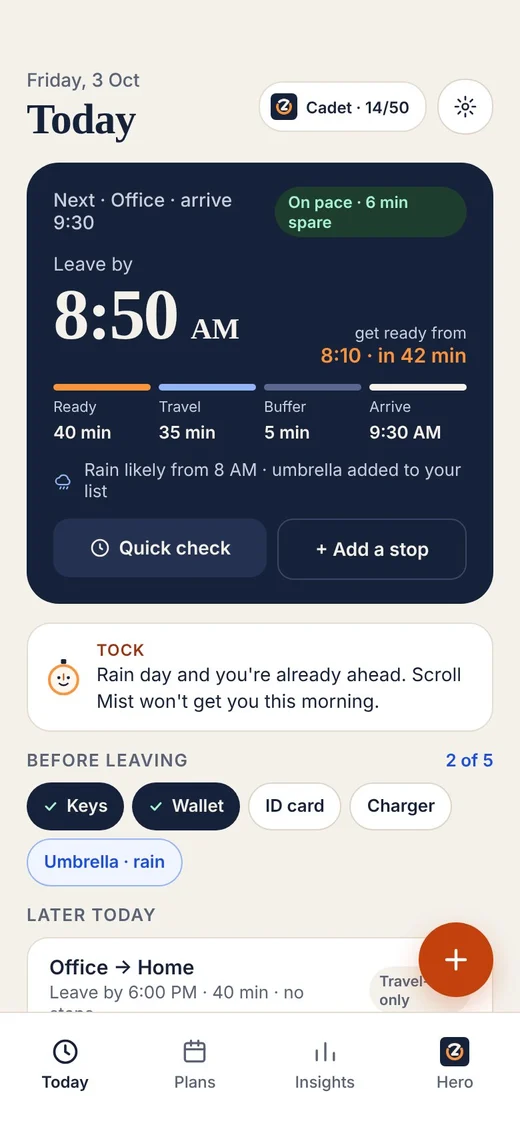
You set the arrival. Neramo works out the start.
A 9:30 meeting, 35 minutes of travel, 5 minutes of buffer and a 40-minute routine.
Start getting ready
8:10
40-minute routine
Leave by
8:50
35 min travel + 5 min buffer
Arrive
9:30
Office
Features
Everything between waking up and walking out.
Routines and one-off plans
Set your office days once, or plan a single trip to the airport.
Step-by-step routine
Shower, dress, breakfast, each with a time. Need longer? Add two minutes.
Pause distracting apps
Pick the apps that eat your mornings. They stay paused until you leave.
Add a stop
Need the bank on the way? Add it for today, and your start time moves earlier.
Heads-up before the alert
A quiet nudge first, then the full-screen alert when it is time to start.
Learns your real timings
Every trip is recorded, so Neramo can learn how long things really take you.
A look inside
Screens from the current design. The final app may change a little.
Privacy and backup
Your plans stay on your phone.
No account needed
Google sign-in is optional, and only used for Drive backup.
No Neramo server
Plans, routines and trips are stored on your phone.
App pausing stays local
Neramo only checks which app is on screen, to pause the ones you chose. Nothing leaves the phone.
Location only if you allow
Used for the weather at home and, if you turn it on, to notice when you arrive.
Backup is free for everyone. Android backup is on by default. You can also export a file, or back up to your own Google Drive.
Made for
Anyone who is always “five minutes away”.
Questions
Why does it ask for accessibility access?
To pause the apps you choose. Neramo only checks which app is on screen, and nothing leaves your phone. App pausing is optional.
Some payment apps will not open. What do I do?
A few apps refuse to open while any accessibility service is on. Turn app pausing off from Neramo’s settings in one tap, and back on when you are done.
Does it read Google Maps?
No. It opens Maps for you to check the travel time, and you pick the number Maps showed.
Is it free?
There is a free plan, and backup is free for everyone. Premium adds extras like insights, streaks and before-leaving checklists.
When can I use it?
It is in development now. When it reaches Google Play, a download button will appear right here on this page.